 FoundLux
Price
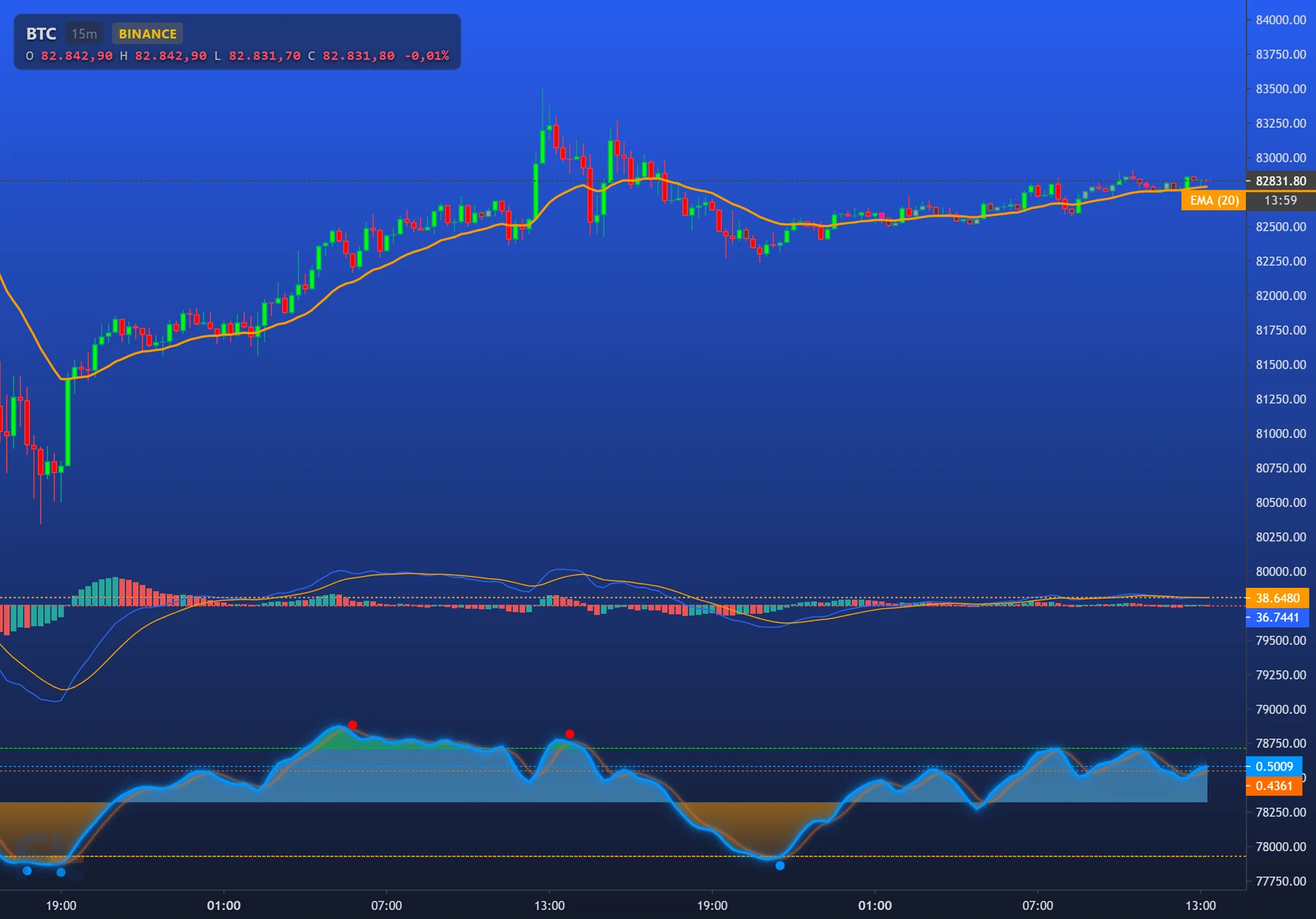
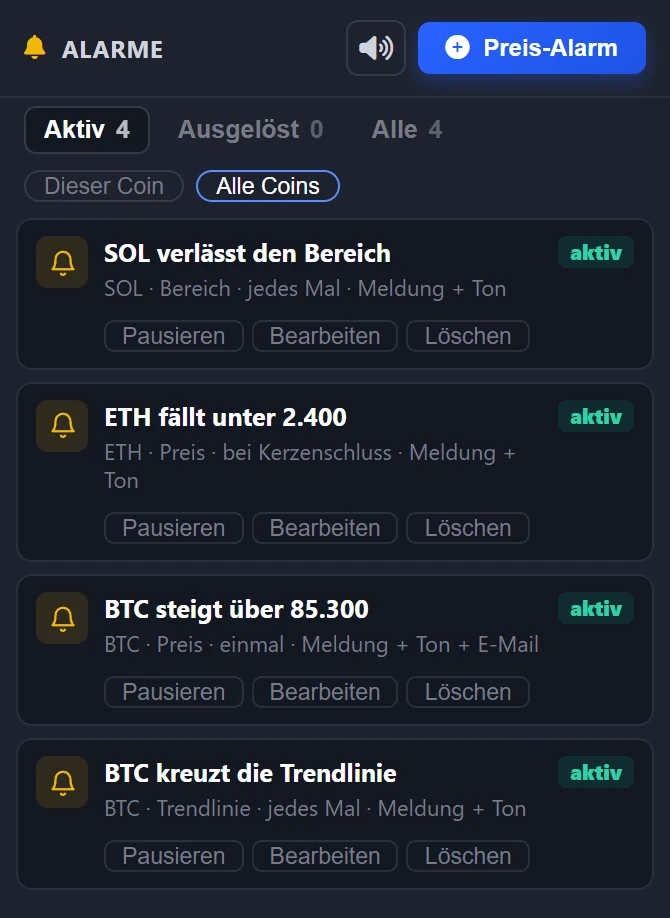
On the right in the alert list, “Price alert”. The alert appears as a line in the chart.
Set an alert on a price, a trend line or a range. The server checks every single trade — not just minute candles — and notifies you even when your browser is closed.
Demonstration · simulated data.
On the right in the alert list, “Price alert”. The alert appears as a line in the chart.
Click a line or trend line, then the bell in the drawing toolbar. A trend line also applies beyond its end.
A drawn rectangle: alert when the price moves into it or leaves it.
| What | Options |
|---|---|
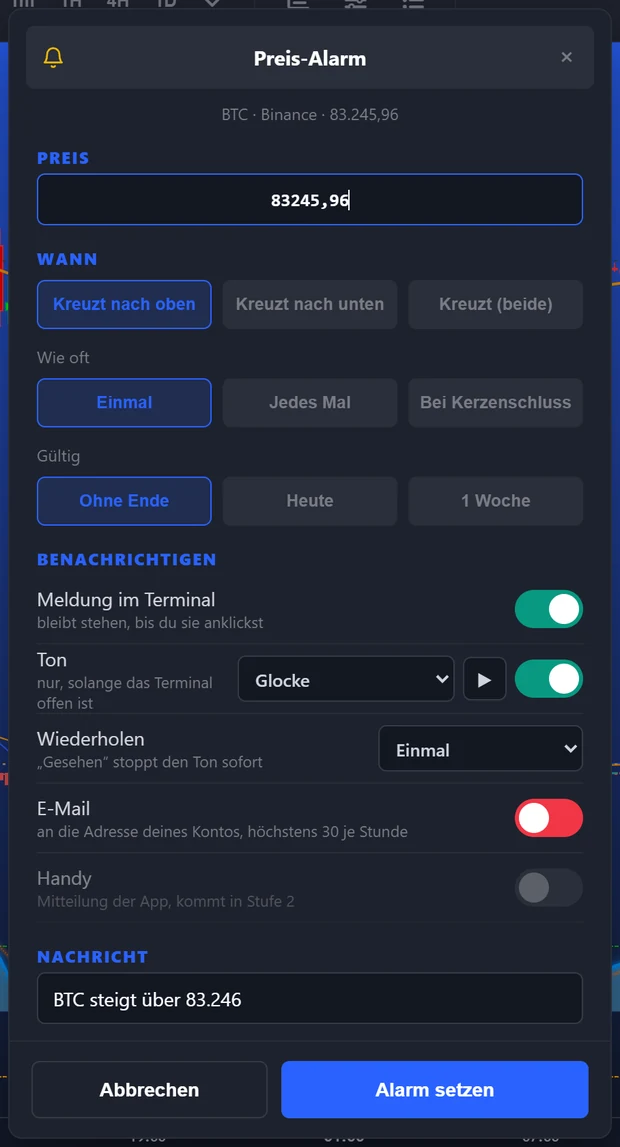
| When | Crosses upward, downward or in both directions; for a range, into it or out of it |
| How often | Once, every time with a pause in between, or only on the candle close of a timeframe from 1 minute to 1 day |
| Valid | No end, today only or one week |
| Notification | Stays in the terminal until you click it; the tab shows a bell |
| Sound | 20 sounds to listen to, once or repeated until “Seen” |
| To your account's address, in your language, at most 30 per hour |
The terminal suggests the message itself, for example “BTC rises above 85,000” — you can change it.
Create an account, open the bell on the right, “Price alert”. No real money, no payment details.